 VGarage

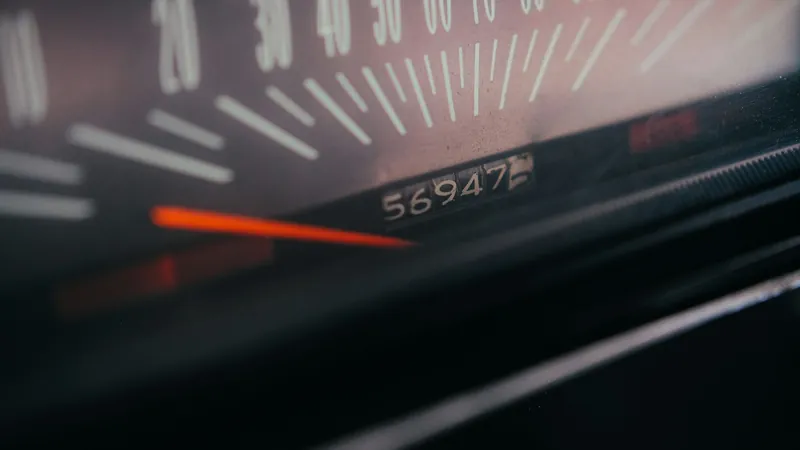
Most car maintenance wears with distance, not time: engine oil, tires, brake pads and filters all depend on how many kilometres you've driven. So the best service reminders use the odometer, with a date as a backstop, and fire at whichever comes first. A reminder for "every 6 months" is fine for a car that does 10,000 km a year, but it's too late for one that does 30,000 and too early for one that barely leaves the garage. This guide explains how distance and time intervals work together, and how to set both up in VGarage.
The short version
- Distance for wear: oil changes, tire rotation, brakes and filters.
- Dates for time: registration, insurance, battery checks, and the time limit on oil and fluids.
- Use both where your manual gives both, and service at whichever comes first.
- Keep the odometer up to date, or odometer reminders can't tell how close you are.
"Whichever comes first", explained
Owner's manuals usually give two numbers for each item, such as "every 10,000 km or 6 months". Kia's manual puts it plainly: where both mileage and time are shown, the service is due at whichever occurs first. A busy car hits the kilometre figure first; a car that mostly sits hits the date first. Oil and fluids age even when you don't drive, which is why the time limit is there.
Philippine dealer schedules are usually written as a ladder of kilometre services. Carmudi's summary for popular Toyota models, for example, runs a light service every 5,000 km with bigger services at 10,000, 20,000 and 40,000 km. Every car is different, so take your intervals from your own manual or warranty booklet, not from a blog. Our car maintenance schedule guide walks through a typical schedule.
Normal or severe? City driving often counts as severe
Most manuals have two schedules: normal and severe. The severe one has shorter intervals, and it applies more often than people think. Kia's list of severe conditions includes:
- Repeated short trips of less than 8 km
- Long periods of idling or slow driving
- Heavy traffic and frequent stop-and-go driving
- Dusty, rough or unpaved roads
- Repeated hill or mountain driving, towing or carrying loads on the roof
That's a fair description of a normal week in Metro Manila traffic. If your driving matches the severe list, use the severe intervals when you set your reminders.
Setting it up in VGarage
How reminders work
In VGarage, a reminder can be for one car or for the whole garage, and it can be due:
- By date, such as your registration renewal,
- By odometer, such as an oil change at 45,000 km,
- Or both, such as 45,000 km or 1 June, for whichever comes first.
Reminders can repeat every few months or every few kilometres, so you set the oil change once and it comes round again after each interval. A reminder shows as due soon 14 days or 500 km ahead by default, which gives you time to book a service.
One thing to know: date reminders notify you on your iPhone; odometer reminders show in the app. VGarage can only know where your odometer is from what you log, so an odometer reminder shows as due soon when the odometer you've logged gets within range. If you want a notification as well, give the reminder a date too.
Setting up a reminder
- Pick the car, or the whole garage for something that isn't tied to one car's odometer.
- Name it clearly: "Oil and filter", "Tire rotation", "Registration".
- Set when it's due. Enter the odometer reading it's due at, a date, or both.
- Set the repeat. For example, every 5,000 km and every 6 months for an oil change (example numbers: use your manual's).
Odometer reminders belong to a single car, since each car has its own odometer. For the whole garage, such as checking every car's tires before a holiday trip, use a date.
Example reminders for one car
These are examples only, to show the shape of a set-up. Your manual has the real intervals.
- Engine oil and filter: every 5,000 km or 6 months, whichever first. See how often to change your oil.
- Tire rotation: every 10,000 km. See tire pressure and rotation.
- Brake inspection: every 10,000 km or 12 months. See when to replace brake pads.
- Battery test: every 6 months, by date. See signs your car battery is dying.
- Registration: once a year, by date. See LTO registration renewal.
Keep the odometer current
An odometer reminder is only as good as the last reading. Every fill-up you log includes the odometer, so if you log your fill-ups, VGarage always has a recent figure. If the car goes a long time between entries, add a plain odometer reading now and then, or before you check what's due.
Common mistakes
- Using only dates. A high-mileage car will be overdue long before the calendar says so.
- Using only kilometres. A car that's barely driven still needs fresh oil and fluids on time.
- Following the normal schedule in severe conditions. Heavy traffic and short trips usually mean the shorter intervals.
- Relying on the shop's sticker alone. It fades, and it only covers oil.
- Forgetting to log the service. Log it when it's done, with the odometer, so your history is complete.
Track it with VGarage
To set this up in VGarage: add an odometer-and-date reminder for each item in your manual, set it to repeat, and keep logging fill-ups or odometer readings so the kilometres stay current. Log each service with the odometer when it's done, and your reminders and your service history grow together. The VGarage FAQ has the details on reminders.
Track it with VGarage
VGarage keeps every fill-up, service and cost for all your cars on iPhone: scan the pump and the receipt, get service reminders by date or odometer, and see what each car really costs to run.